Signal sensor
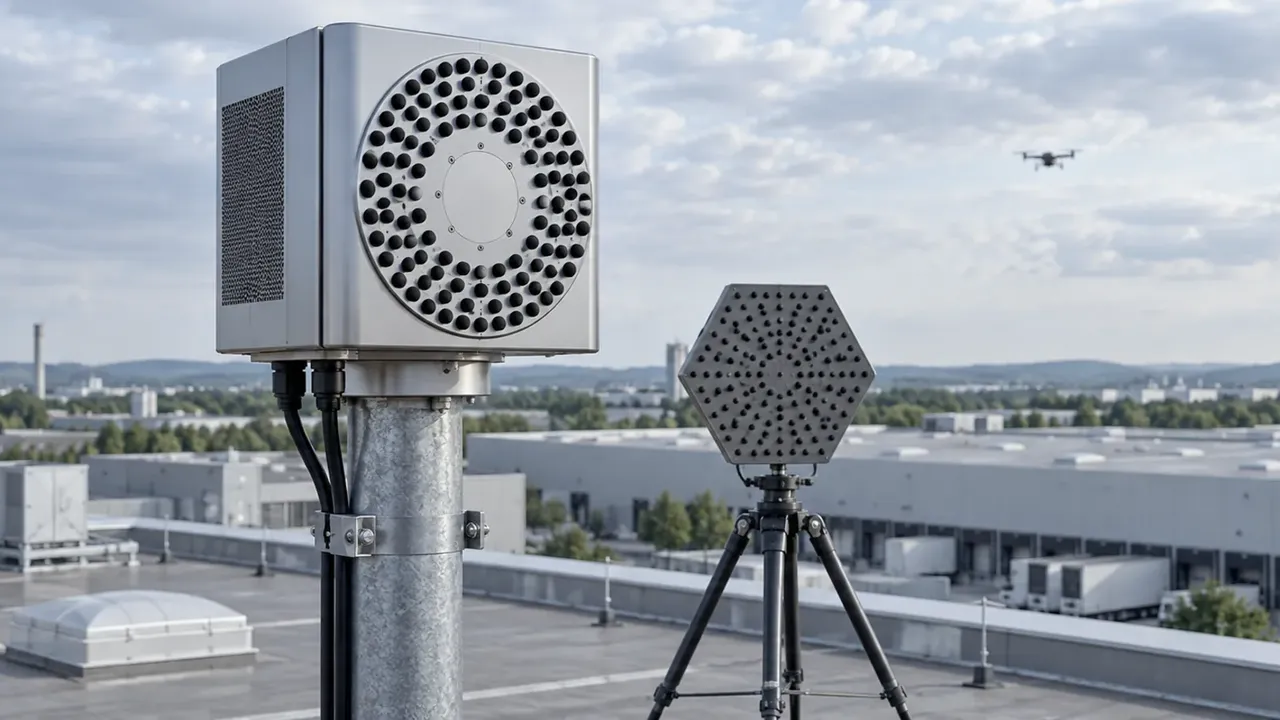
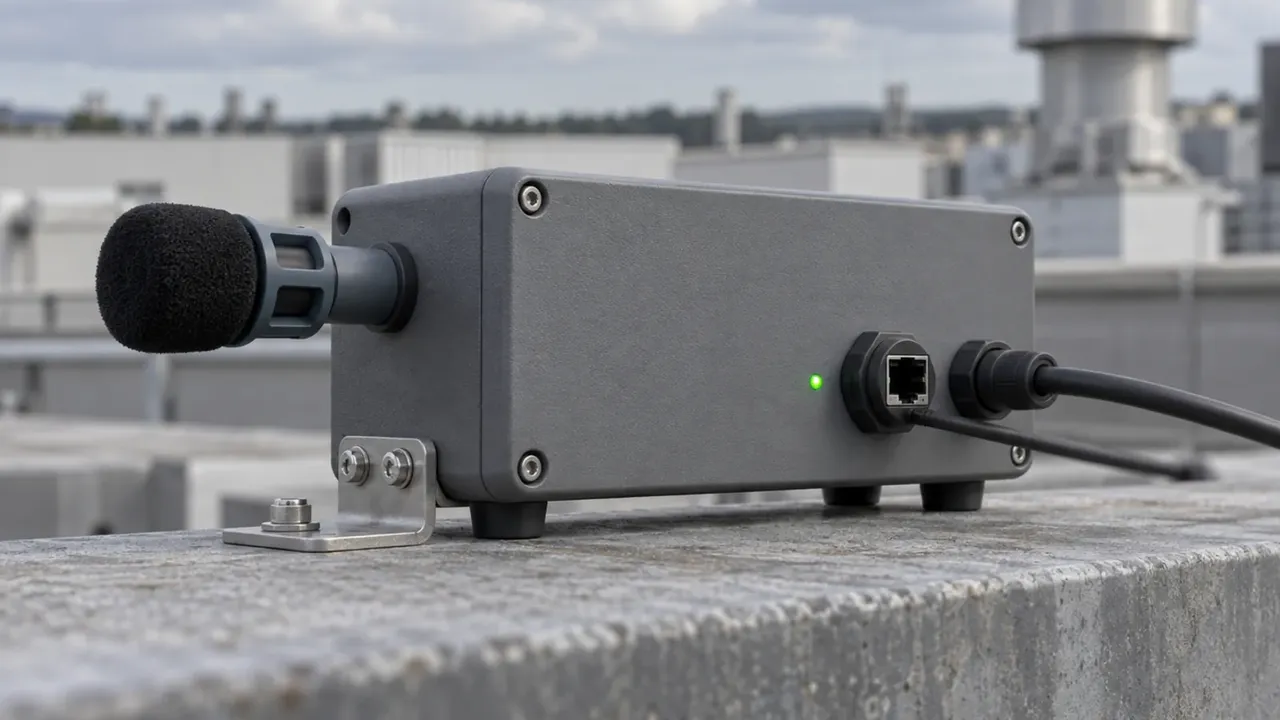
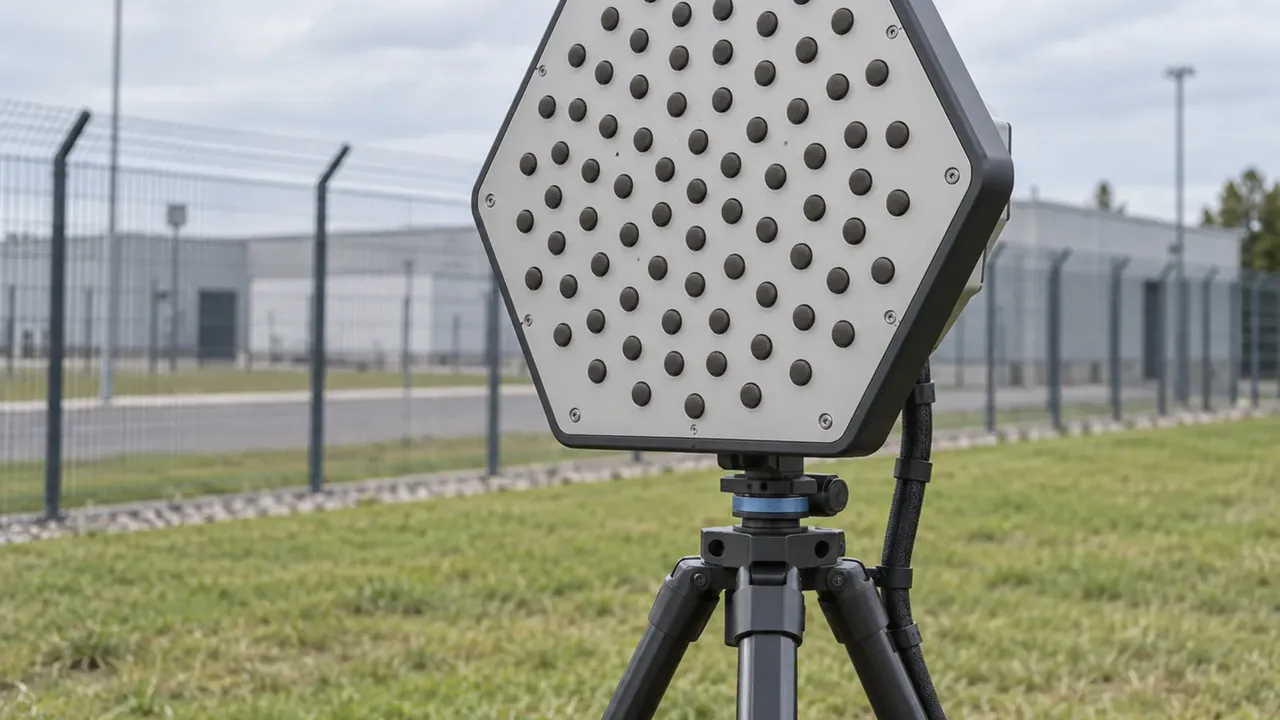
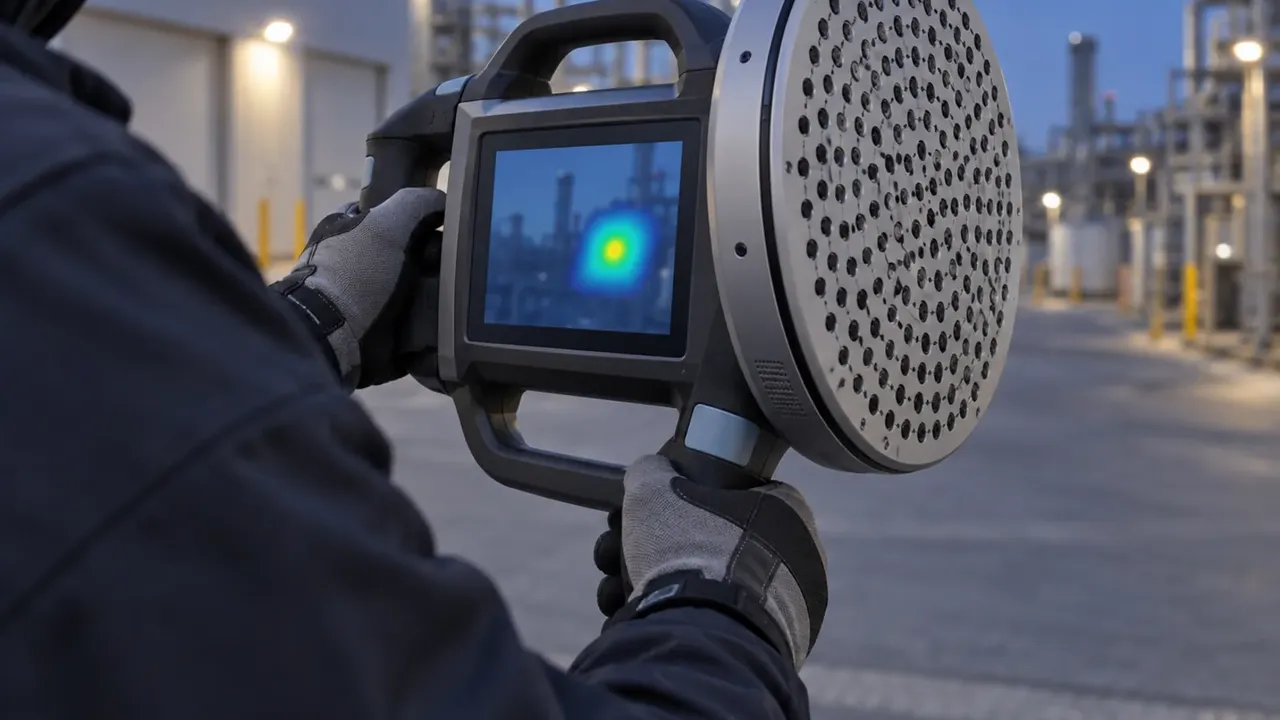
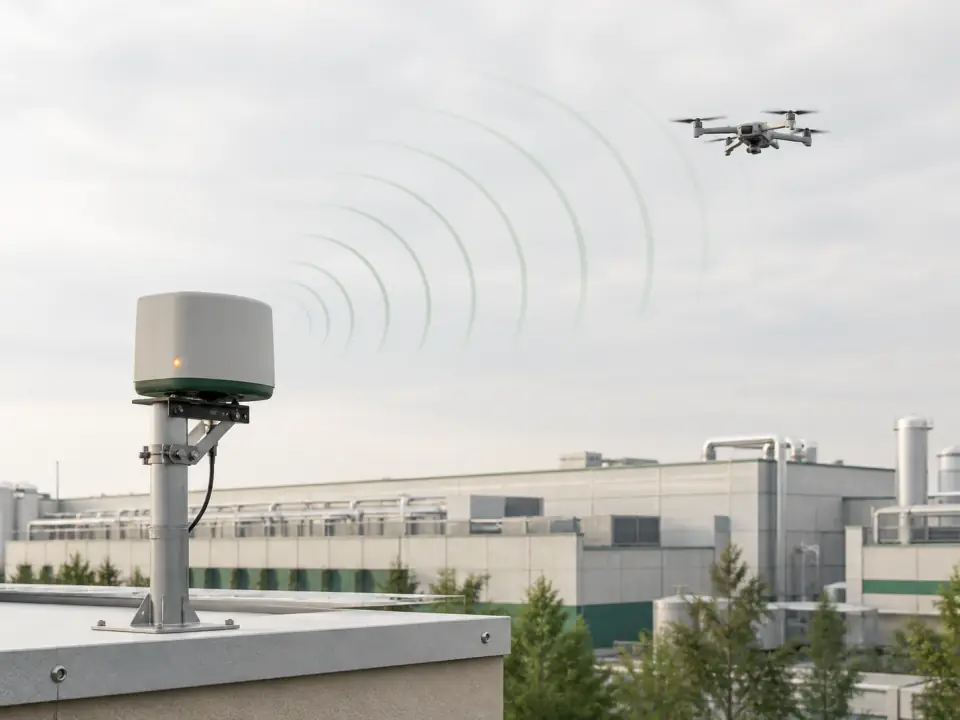
Finds the drone signal
The sensor picks up the drone's control link or video feed and sends an alert. If the drone transmits nothing, you need a radar.
- Use
- on site or with a mobile team
- Note
- a drone with no active link can slip past
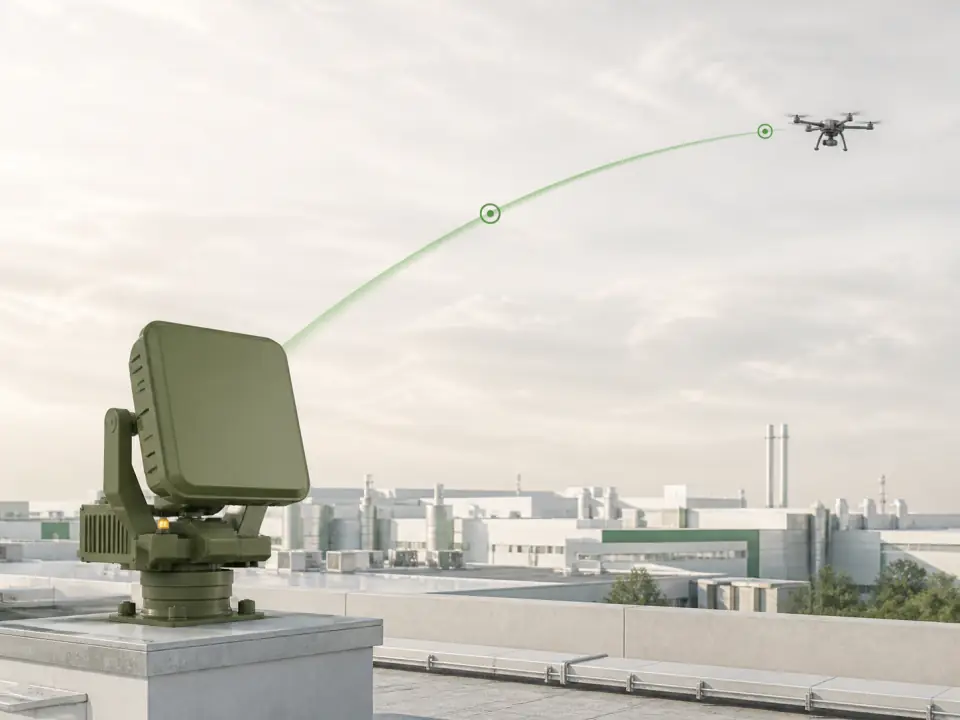
Radar
Shows the drone's flight
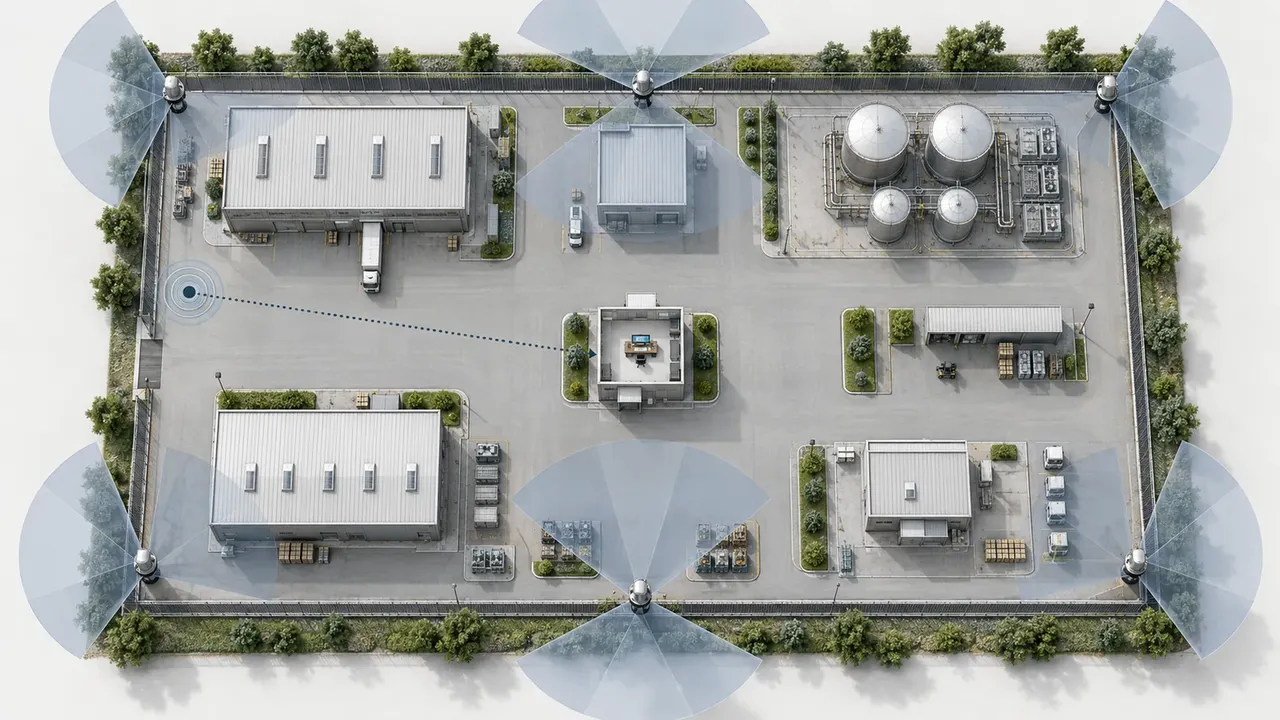
The radar sees the drone in motion and tells the camera and the guards where it is.
- Use
- in open areas and on large sites
- Note
- buildings, hills and drone size change the range
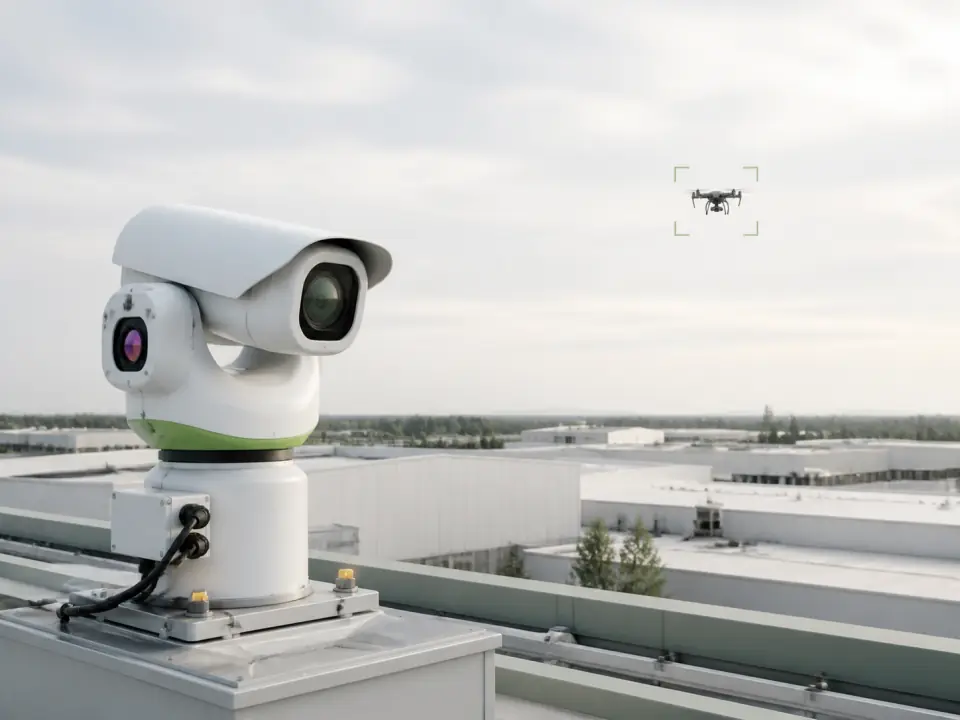
Camera
Shows the drone on screen
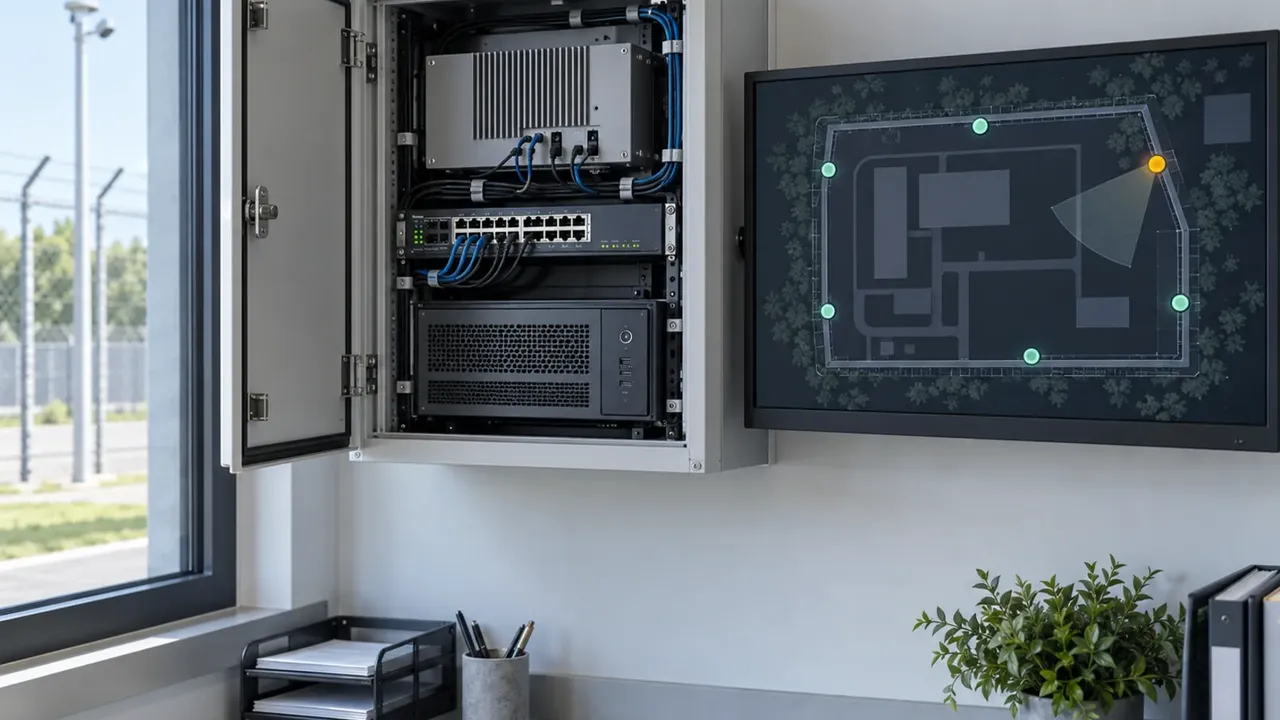
The pan-tilt camera gets the drone's location, finds it and saves the recording.
- Use
- to check an alert and record it
- Note
- fog, rain, snow and a blocked view spoil the picture
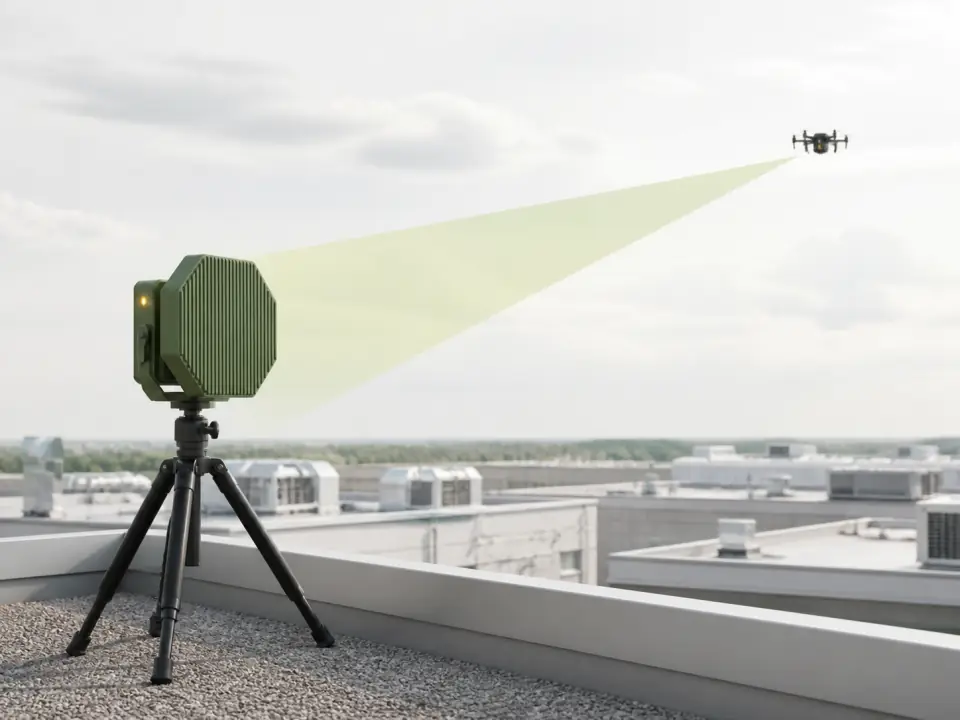
Jams control
Jams the drone's control link
The operator first confirms the drone is hostile, then aims the device at it. The reaction depends on the drone and how it is programmed.
- Use
- in front of what needs protecting
- Note
- the result must be checked by radar or camera
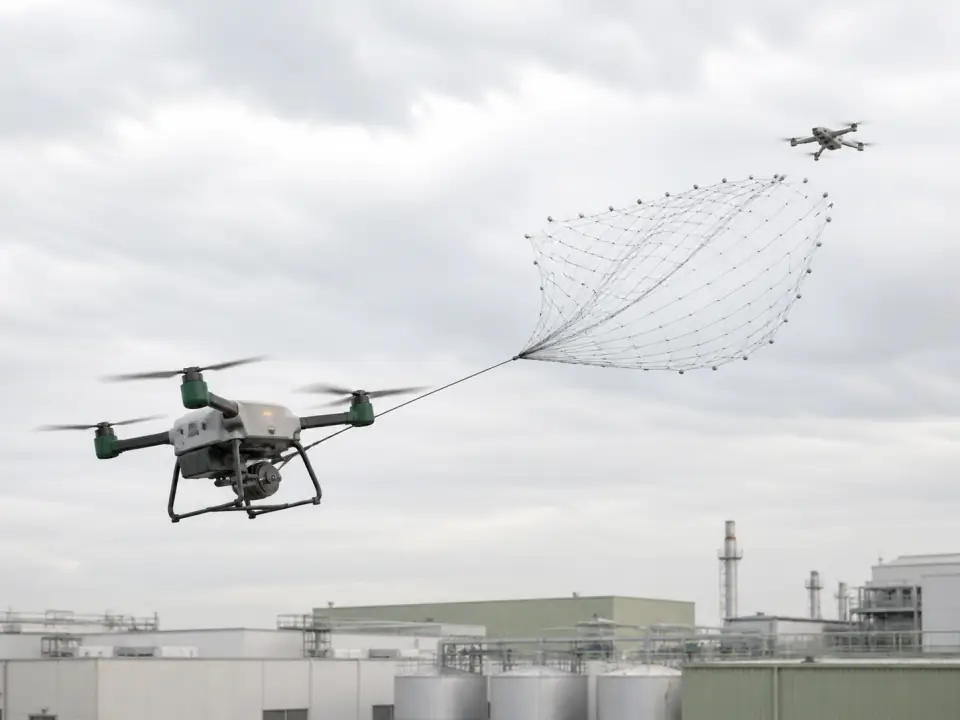
Interceptor drone
Chases and stops the drone
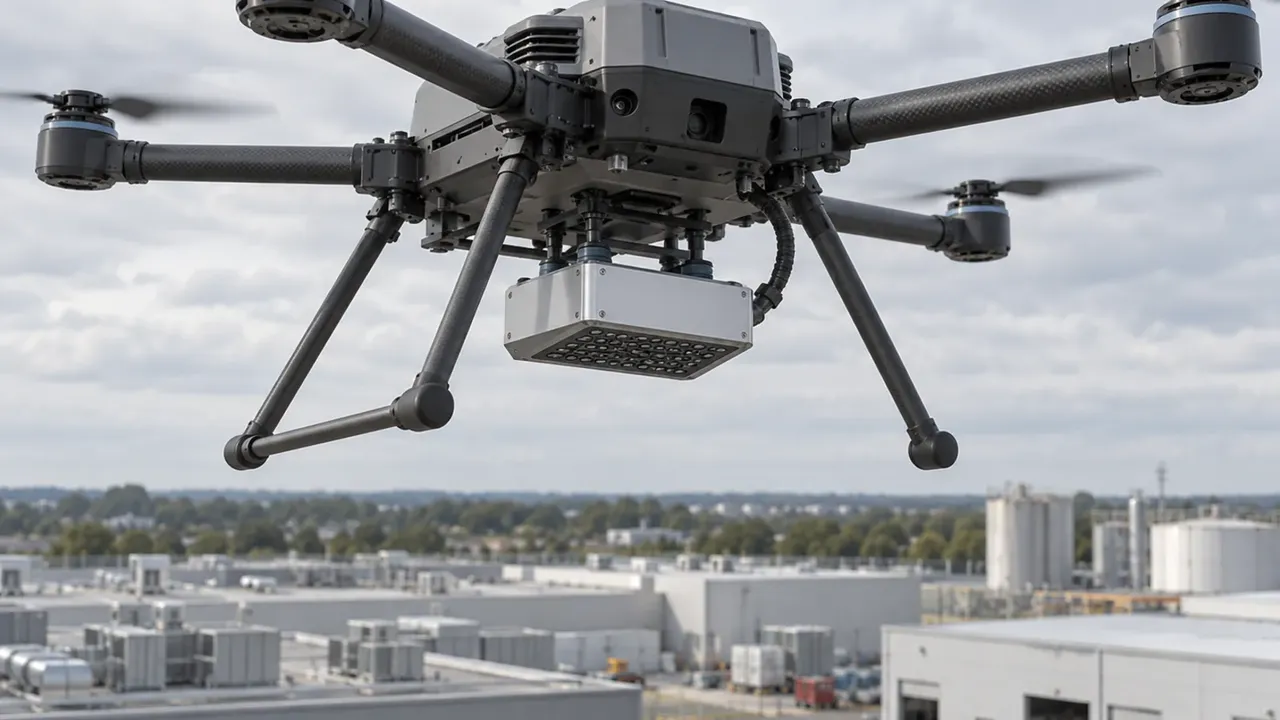
The radar tells the interceptor where to fly. One interceptor catches the drone in a net, another stops it by collision.
- Use
- for drones flying with no link
- Note
- how many drones can be stopped at once depends on the kit